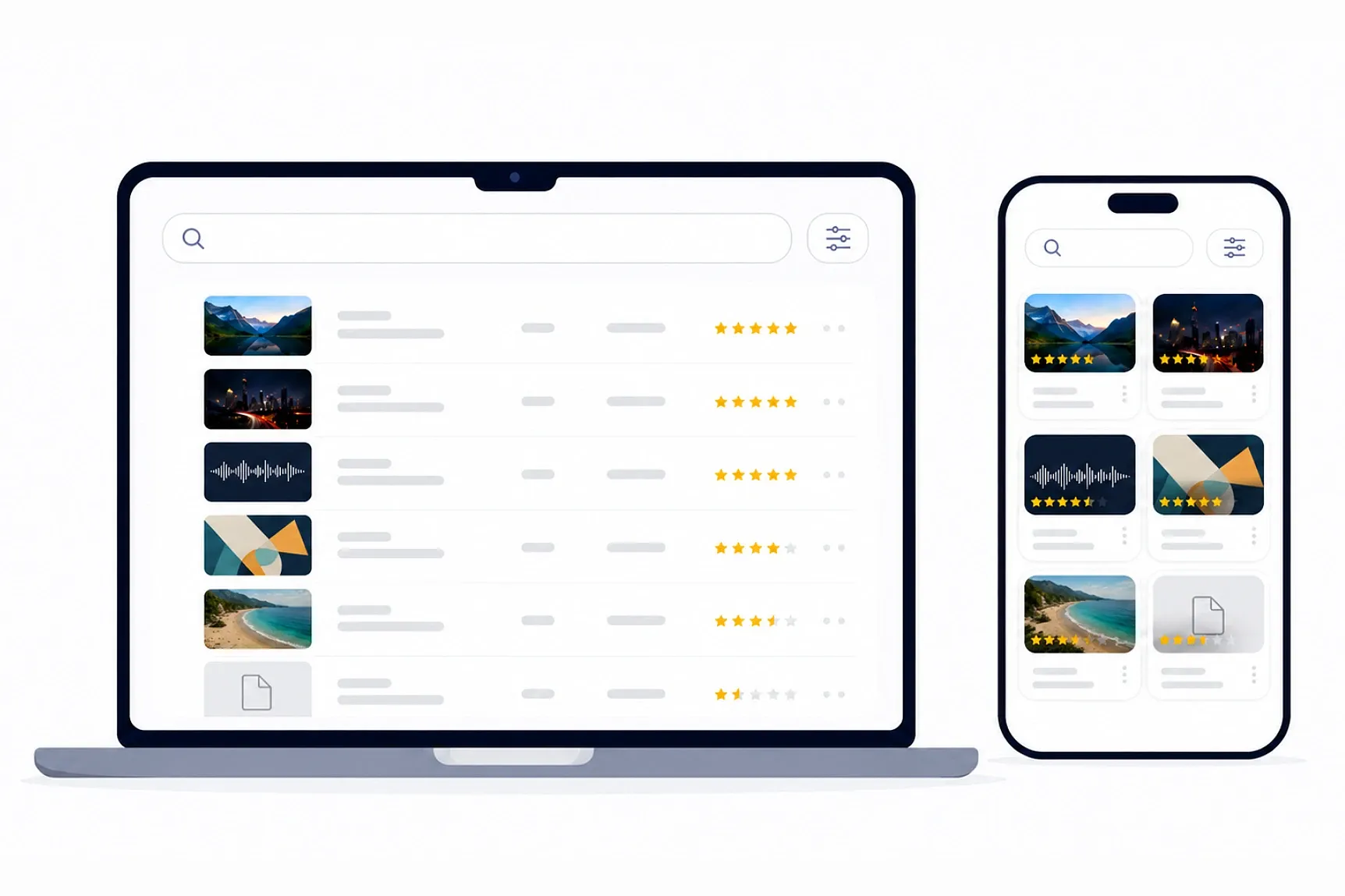
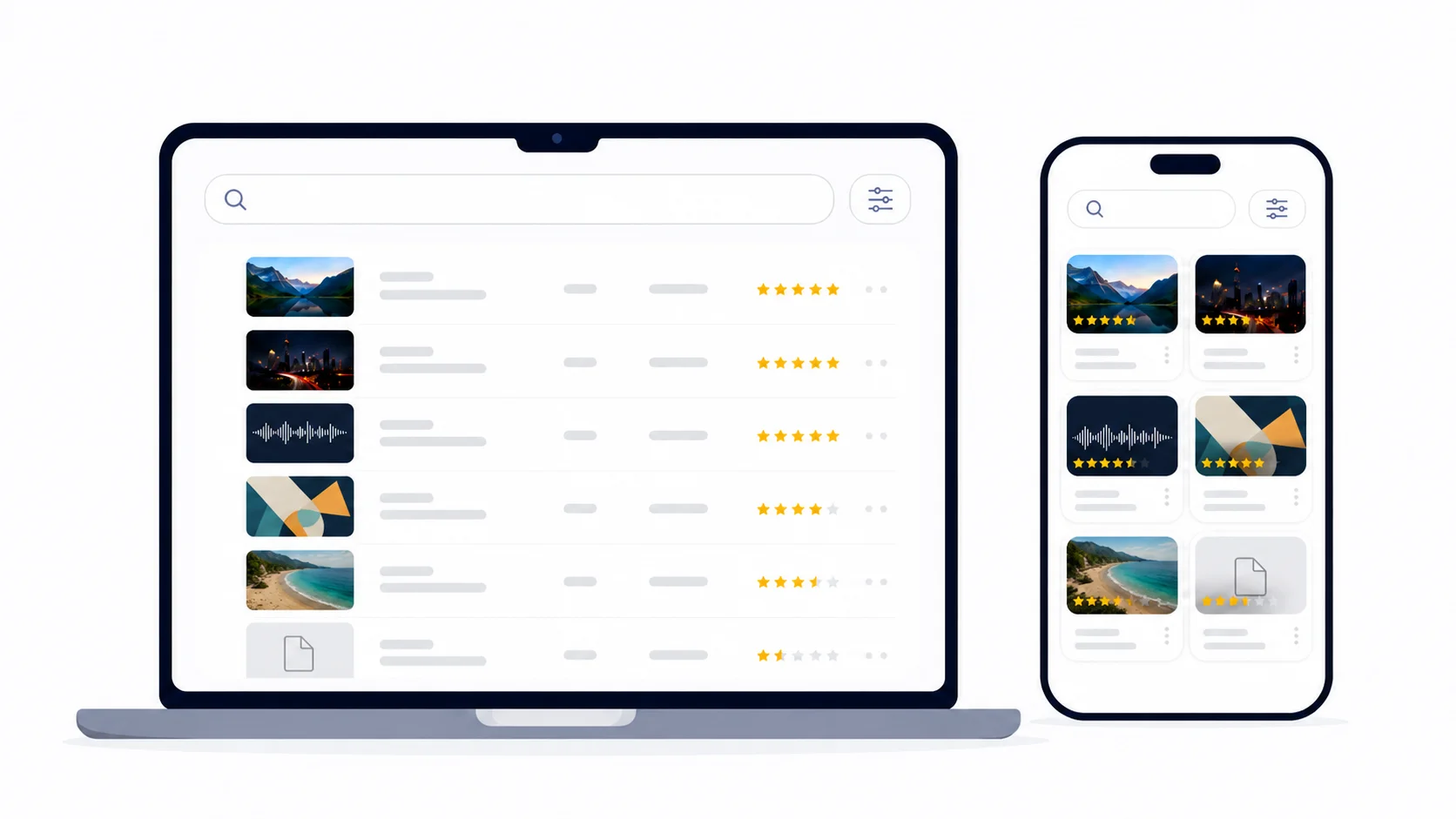
Media Preview Server is a tool that starts a local preview server for your Eagle library with one click.
You can preview your media from other devices on the same network.
Features
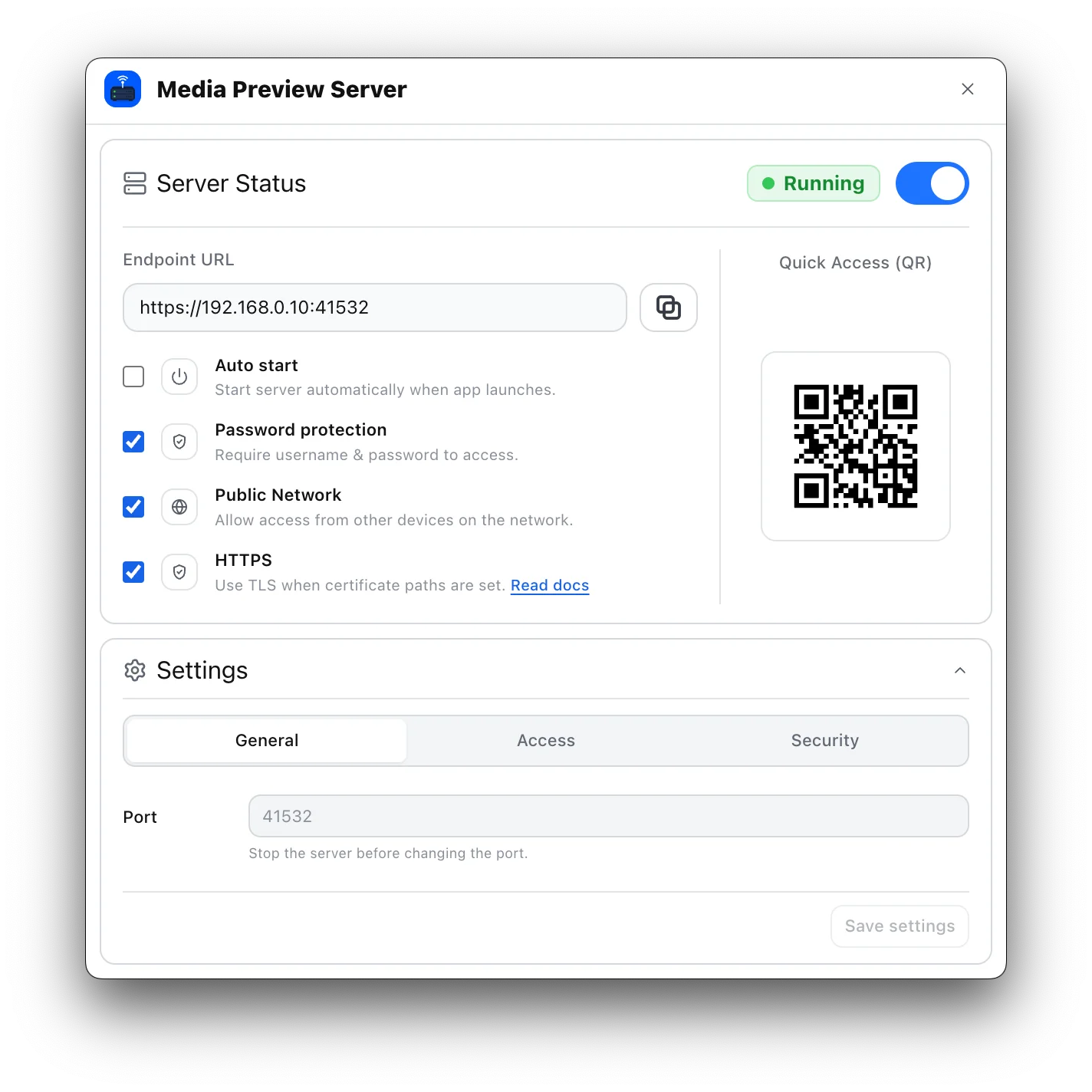
One-click local preview server for your Eagle library
Browse Eagle media from phones, tablets, and other computers on the same LAN
Endpoint URL and QR code for quick access
Optional:
Auto start: start the server automatically when Eagle launches.
Password protection: require a username and password to access the viewer.
Public Network: allow access from other devices on the network.
HTTPS: use TLS when certificate paths are set.
Multiple users with Viewer, Editor, and Admin roles.
Auto start: start the server automatically when Eagle launches.
Password protection: require a username and password to access the viewer.
Public Network: allow access from other devices on the network.
HTTPS: use TLS when certificate paths are set.
Multiple users with Viewer, Editor, and Admin roles.
Settings
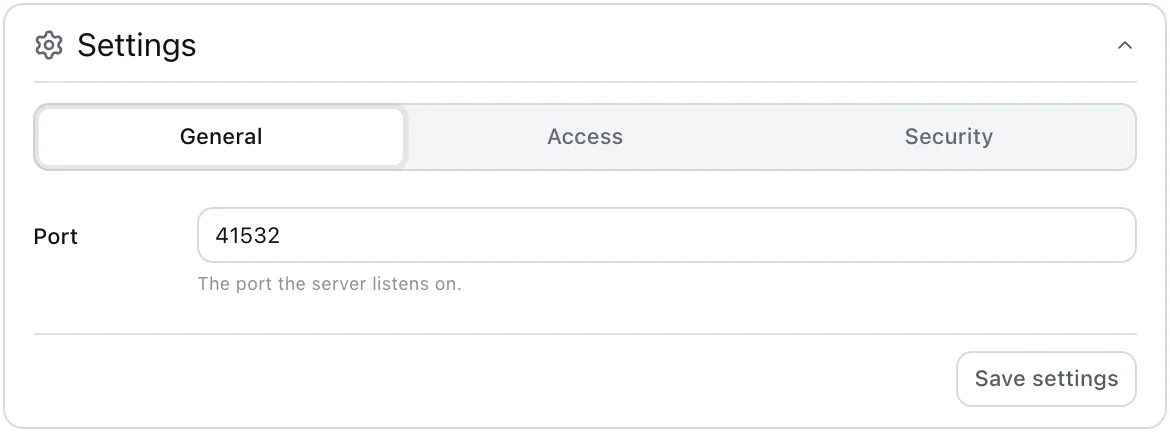
General
Basic server options such as auto start, host, and port.
Access
Network access and user permission settings.
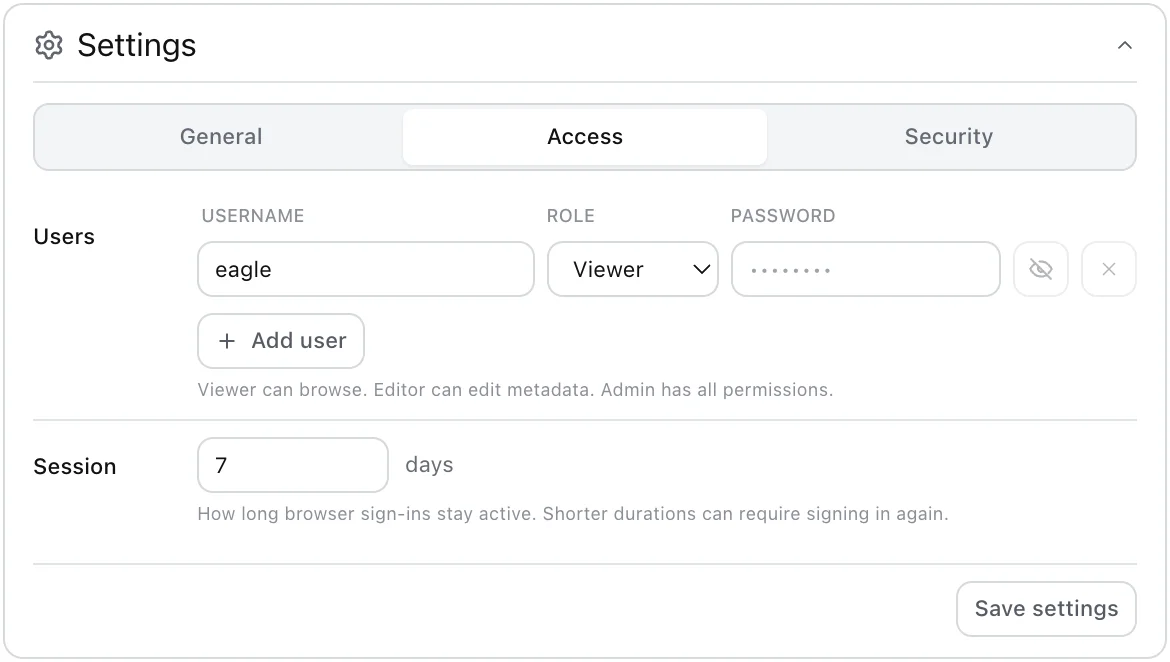
Use this panel to control whether other devices on the LAN can open the viewer and which users can access it. User roles define the available actions:
Viewer: browse and preview media
Editor: edit rating, tags, and categories from the preview panel
Admin: has all available permissions
Authentication is optional. When password protection is enabled, browser access uses the built-in login screen and cookie-based sessions. Sessions expire after the configured session duration, 7 days by default.
Security
HTTPS/TLS settings.
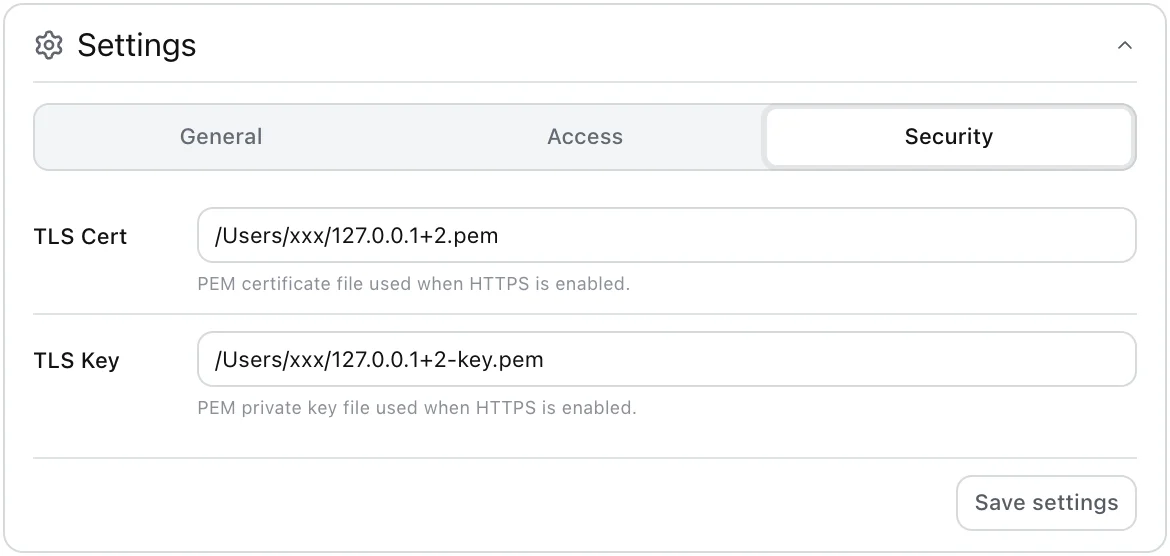
HTTPS protects the login password and session cookie on the network. For local/LAN use, `mkcert` is the recommended way to create a trusted development certificate.
See HTTPS and mkcert CA Operations for setup, plugin HTTPS settings, Windows/macOS/iOS/Android CA trust steps, and private-key cautions.
TLS Cert: the certificate file
TLS Key: the matching private key file
Disclaimer
This plugin is intended for use on a local or trusted LAN, not for public internet access.
The displayed content depends on the Eagle library opened by the Eagle app running on the server side.
The author is not responsible for unintended access, data exposure, or any damage caused by misconfiguration, insecure network settings, weak passwords, disabled authentication, or public exposure of the server.
Added HTTPS support using TLS certificates.
Added multi-user authentication with role-based permissions.