Audio Visualizer
Eagle plugin that turns any audio or video in your library into live, music-reactive visuals.
Highlights
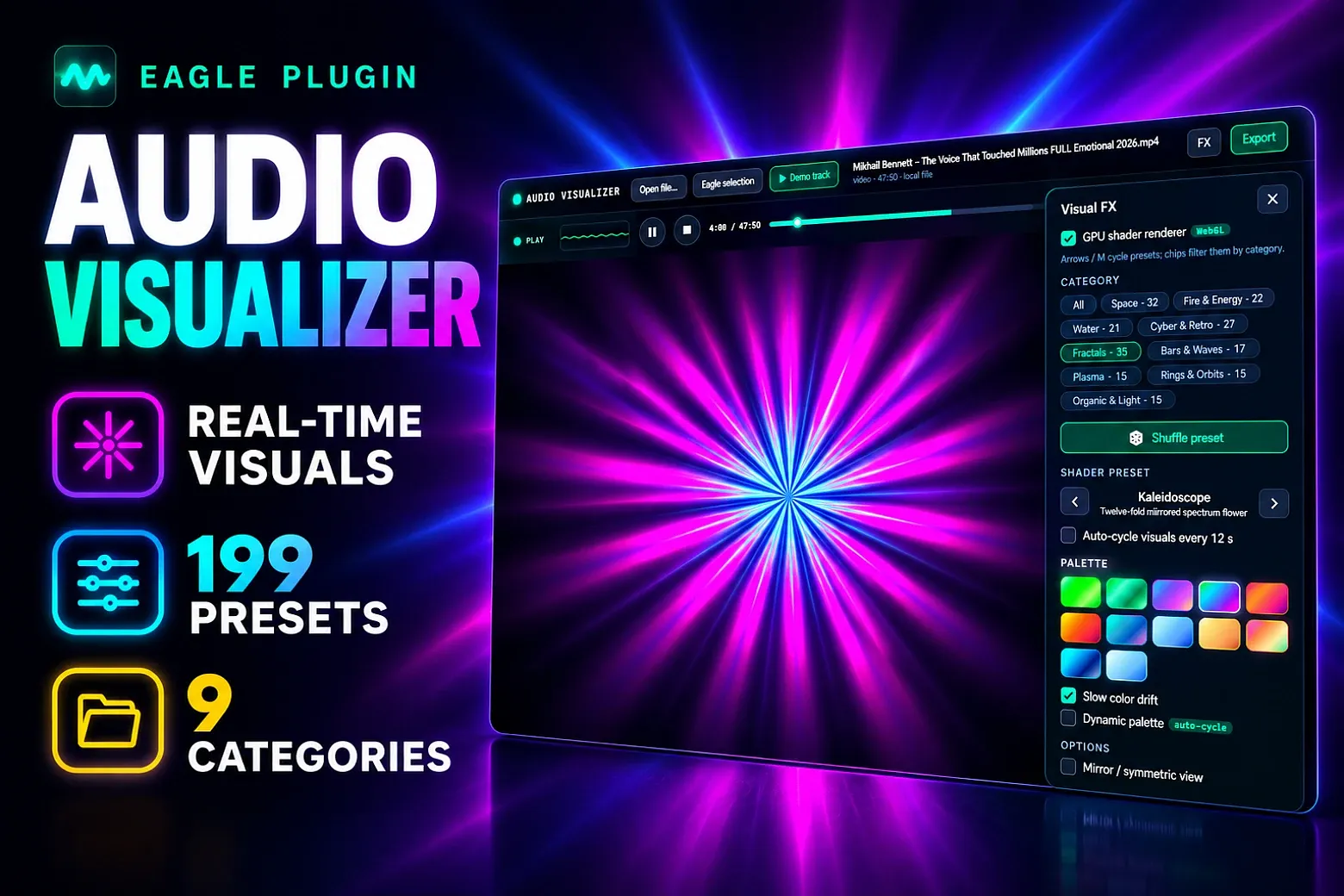
- 199 one-click GPU (WebGL) style presets across 9 categories — from spectrum bars and phosphor oscilloscopes to kaleidoscopes, galaxies, and black holes — plus 14 built-in 2D modes as a fallback
- Real-time audio engine with beat/pulse tracking that works with audio and video files (video sources can preview in a corner)
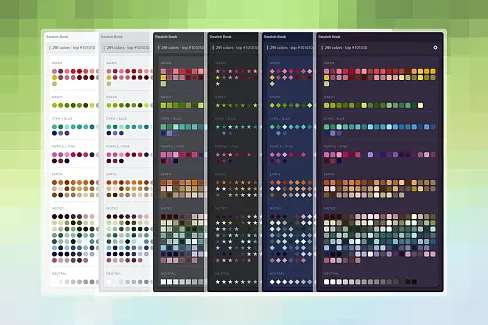
- Dynamic palette auto-cycling (on by default, from 2 seconds) with smooth color crossfades, plus slow drift and 12 curated palettes
- Category chips, shuffle, auto-cycle, mirror/glow/trail FX, supersampled rendering (up to 4×) for crisp, high-quality visuals
- Export PNG stills up to 8K (or custom sizes) and high-bitrate WebM videos (720p–8K, with or without the original audio muxed in)
- Built-in demo track so you can preview every preset and export flow without any file
How to use
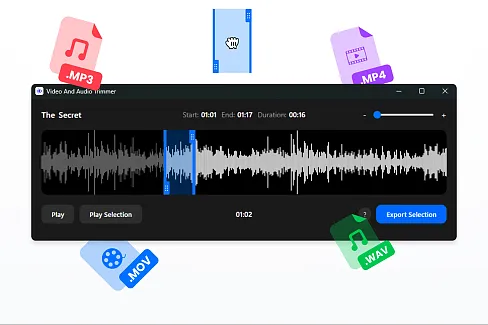
- Select one or more audio/video files in Eagle, then open Audio Visualizer (or click Eagle selection).
- If several files are selected, choose the one you want from the picker.
- Pick a style preset or category, and adjust colors, glow, bars, quality, and other FX settings as needed.
- Press play — the visuals react to the audio in real time.
- Click Export → Capture frame for a PNG still, or Start recording for a WebM video; then save via the native dialog and optionally auto-import the result back into your Eagle library, next to the source file.
Install
Needs Eagle 4 with hardware acceleration / GPU support for the shader engine. If WebGL is unavailable, the plugin automatically falls back to its built-in 2D engine, so it still works. Everything runs locally and never modifies your source files — completed PNG/WebM exports can be automatically added to Eagle.
v0.0.1
2026-09-17
Initial release.
你可能也喜欢