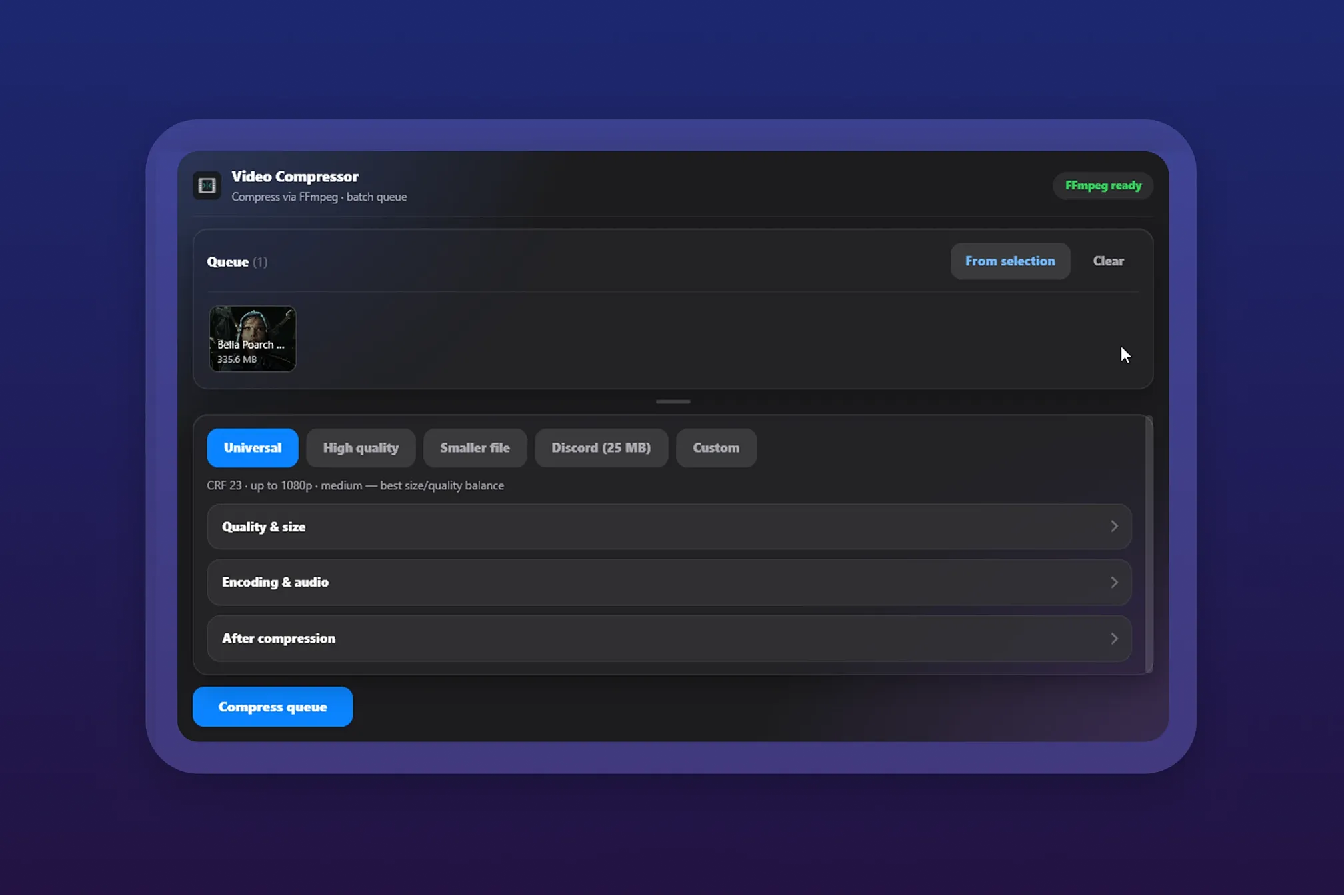
Overview Requires Eagle 4.0+ and the FFmpeg plugin from the Plugin Center — if it's missing, install it there and reopen the plugin. Batch-compress videos in Eagle with one-click presets or your own custom settings.
How to use
- Select videos in Eagle (or drag video files into the plugin window) to add them to the queue
- Pick a preset, or switch to Custom for full control over quality, resolution, and encoding
- Click "Compress queue" to start
Features
- One-click compression presets
- Custom compression settings for full control
- Optionally saves results into a "Compressed" subfolder, keeping tags and folders
- Optional filename suffix, and option to move originals to Trash
v1.2.0
2026-09-17
- Added a required output folder prompt when "Import result into Eagle" is off, so compressed files always get a permanent save location instead of only living in a temporary folder
- Trash confirmation dialog now shows how many Eagle items will be affected and their names, with Cancel as the default button
- Fixed originals not actually being moved to Trash
- "Compressed" subfolder is now created next to the source videos' own folder (or the library root, if sources aren't grouped) instead of always at the top level
- Plugin now remembers your last used preset and settings between sessions
- More compact, resizable queue grid
你可能也喜欢
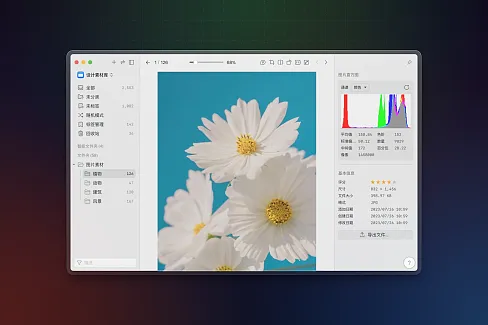

直方图
快速在检查器中查看图像直方图。

Eagle App
19
38.4K



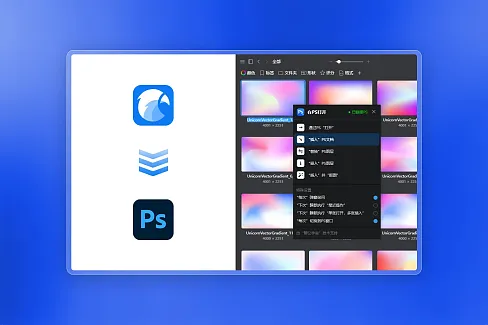

在PS打开
快速将选中的文件通过PS打开

瓣公宇宙
35
34.6K