AgentLens Social Importer
Fetch images and videos from 10+ social platforms, and save into Eagle with source links and metadata.
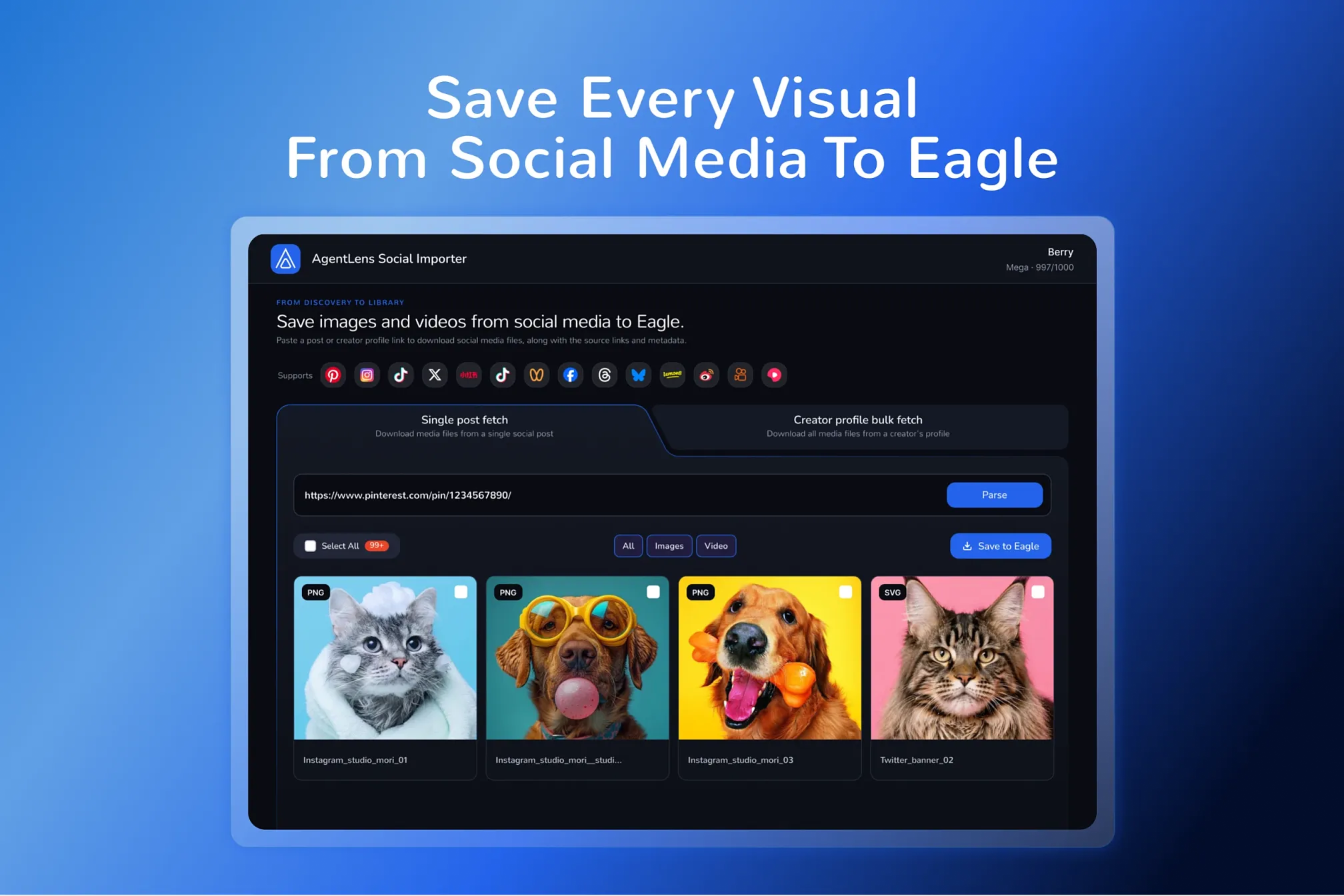
AgentLens for Eagle brings complete social-media posts into your Eagle library - images/videos, source details, and metadata included. Paste a supported post URL to fetch every image and video in that post, including multi-item posts that many downloaders can only get you the first one. Or paste a creator profile URL to collect all images and videos from all the posts in bulk. Every saved file arrives with a readable name, its source link, and the details you need to find and reuse it later.
Requirements
Before using live URL fetching, you need Eagle 4.0 or later, an internet connection, and an AgentLens account. Sign-in is required. Live URL fetching depends on account eligibility, an active plan, and available fetch credits.
How to use
Use AgentLens Social Importer to fetch images and videos from a supported individual post, or from a supported creator profile page in bulk. In either workflow, you can choose the items to import into Eagle.
Paste a social post URL or creator profile URL recognized by the plugin.
Review the media and source details returned by the service, select the images or videos you want, and adjust file names or tags if needed.
Choose a destination folder in Eagle and start the import.
Platforms supported
AgentLens Social Importer currently recognizes supported links from Pinterest, Instagram, TikTok, X (Twitter), Xiaohongshu, Douyin, WeChat Channels, Facebook, Threads, Bluesky, Lemon8, Weibo, and Kuaishou.
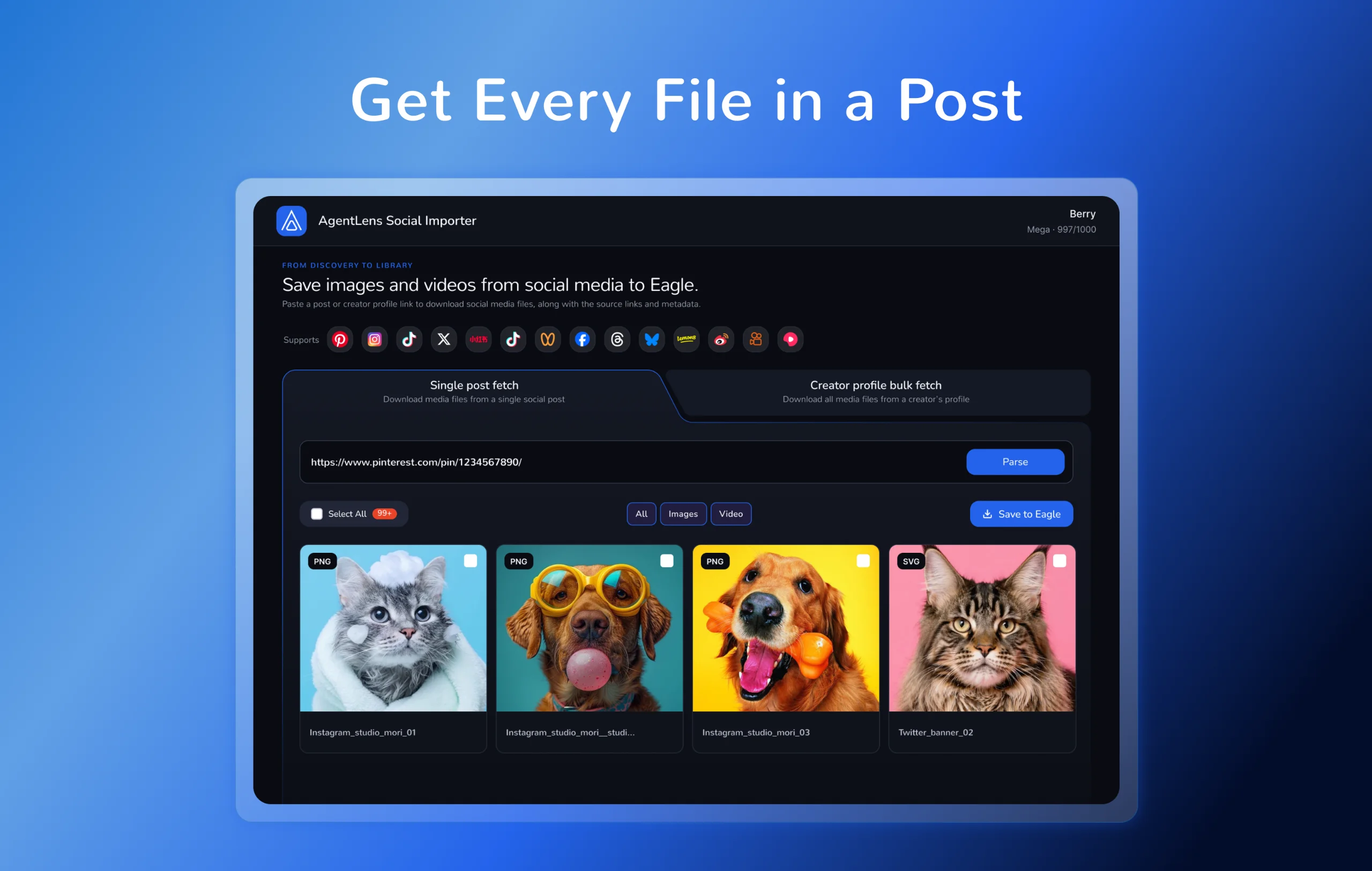
Save the whole post, not just the first file.
Social posts often contain more than one useful image or video. Many downloaders and APIs stop at the first item, leaving the rest of a carousel or multi-media post behind. AgentLens Social Importer returns all the images and videos available from a supported post, so you can review them before importing selected media into Eagle.
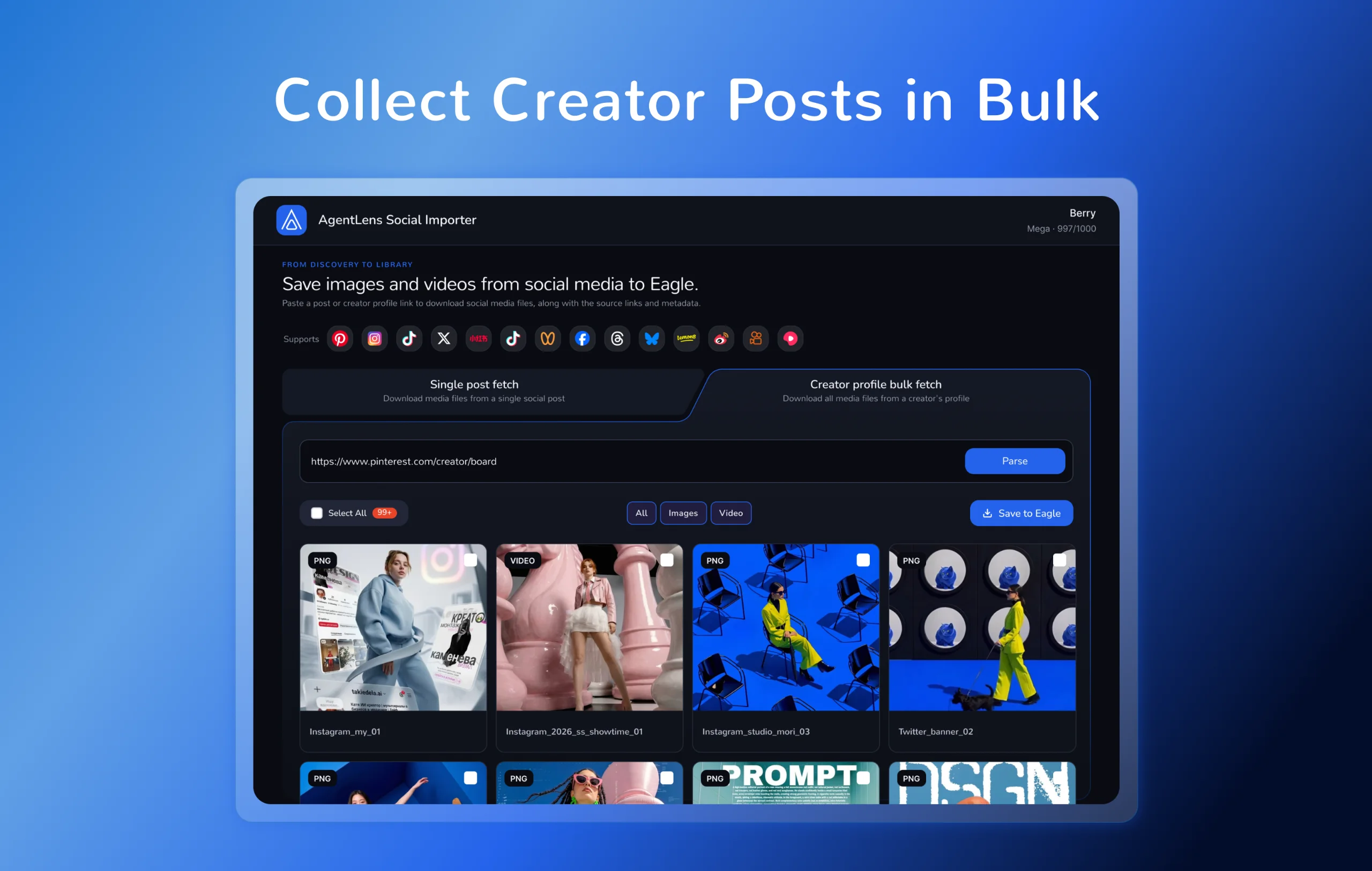
Collect a creator’s work in bulk.
Paste a supported creator profile URL to load posts from that profile and review available images and videos in bulk. Choose what you want to keep, then import the selected media into your Eagle library without opening and downloading each post one by one.
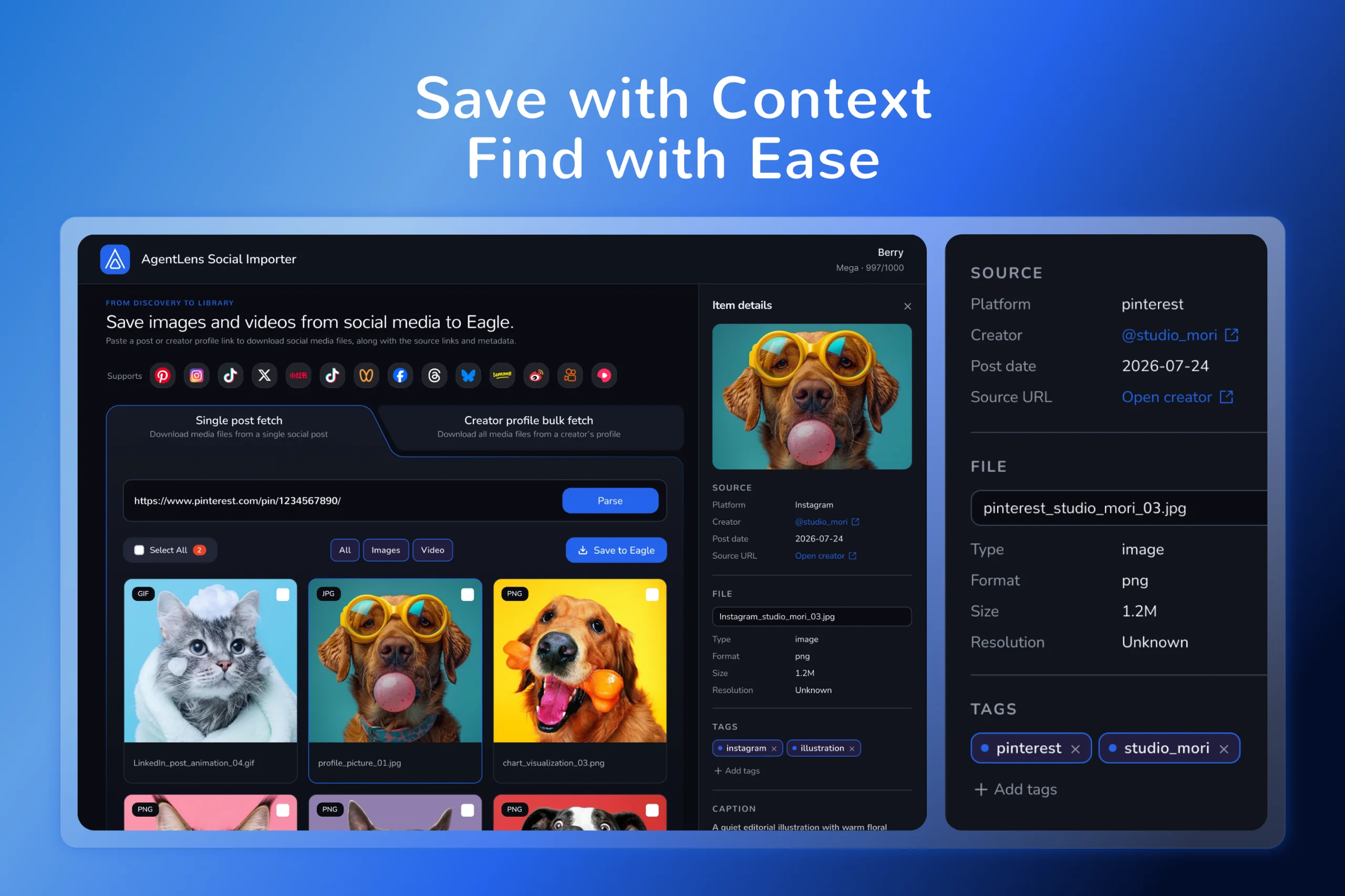
Get organized the moment you save.
Imported files use readable filenames automatically:
[Platform]_[Creator name or ID]_[Post date]_[first 10 words of title or caption]_[sequence]
When available, along with the imported images and videos, the original post URL will be saved in the Eagle item's website field, and the annotation will include the platform, available creator name or ID and profile URL, publication date, and caption. When no caption is available, the title is used instead; the title and caption are not both written to the annotation. Tags remain available for organization and search.
Data and external service
For sign-in, link parsing, and media fetching, the plugin sends the post or creator URL you enter, required installation/client identifiers, and sign-in authorization data to https://agentlensapi.io for processing. The service returns media details and download information. After import, the plugin reports per-item import results to the service.
Initial release