Etch
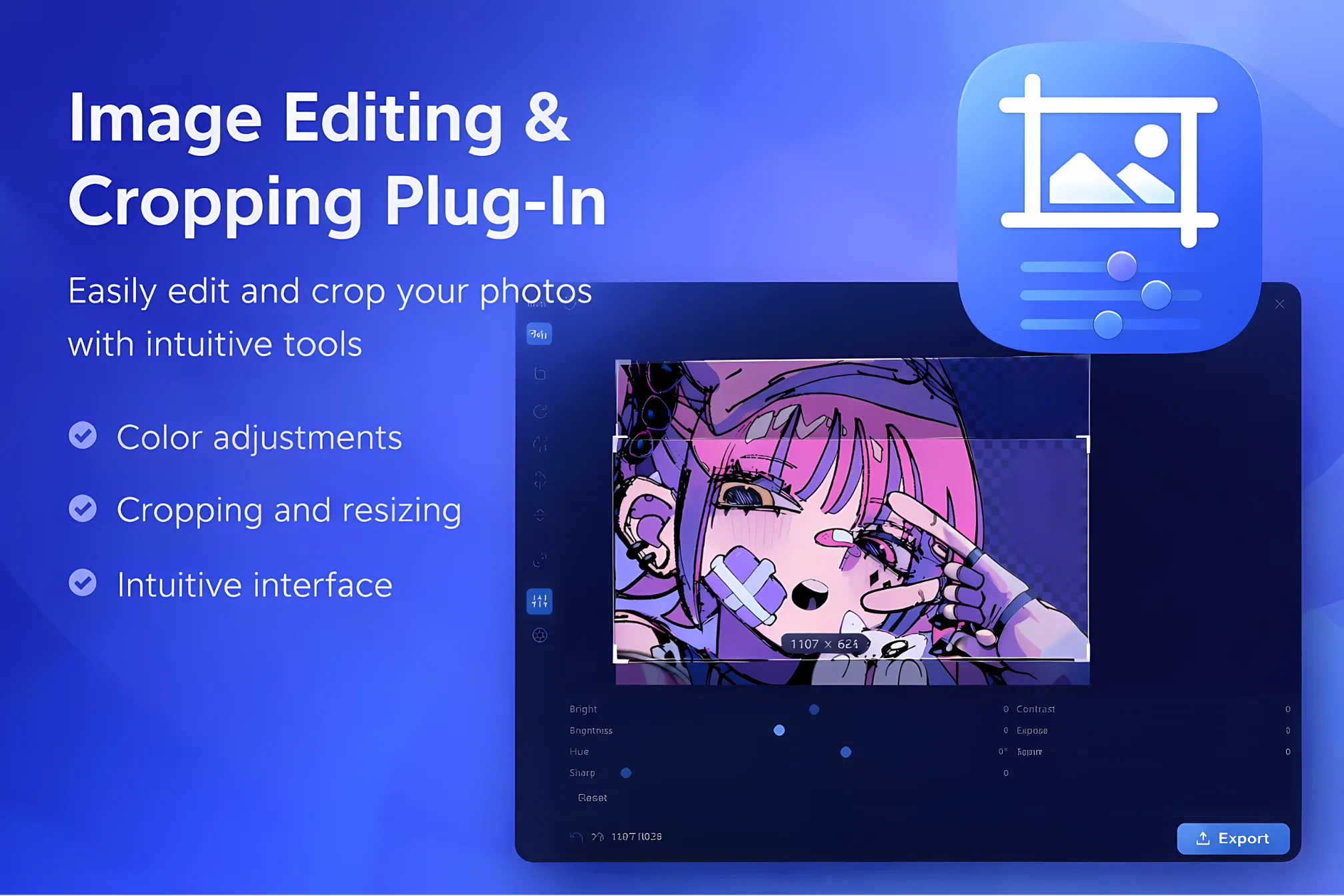
Edit images directly within Eagle. Crop, resize, rotate, flip, and export without leaving your library.
Detailed Description
Etch is a full in-library image editor for Eagle. Edit selected assets without leaving your workflow, preview changes live, and export as a new item or replace the original when needed.
Includes eagles native batch crop mode for multiple exports from one image.
Saves last image position and crop for new images.
Updates images live on selection in eagle.
Features include crop presets, resize with aspect lock, rotate and flip, undo/redo with history, and export format control (PNG, JPG, WebP) with quality settings.
You also get core adjustments (brightness, contrast, saturation, sharpness, exposure, hue, temperature), plus filter/effect tools like grayscale, sepia, invert, vintage, chrome, fade, noir, vignette, blur, and grain.
Etch uses a non-destructive edit stack for safer iteration and supports keyboard shortcuts for faster editing.
Disclaimers
- Current release is focused on single-image editing workflows; batch editing is not included yet.
- JPEG output may show compression artifacts at some quality levels; use PNG or WebP for cleaner results.
- “Replace original” modifies the existing Eagle asset. Use “Save as new” if you want a safe copy.
Bug Reporting
Bug/suggestion reports are welcome.
- first stable release
你可能也喜欢