RepairAI Pixel
Repair AI-generated pixel art: remove color noise and snap pixels to a clean, limited palette.
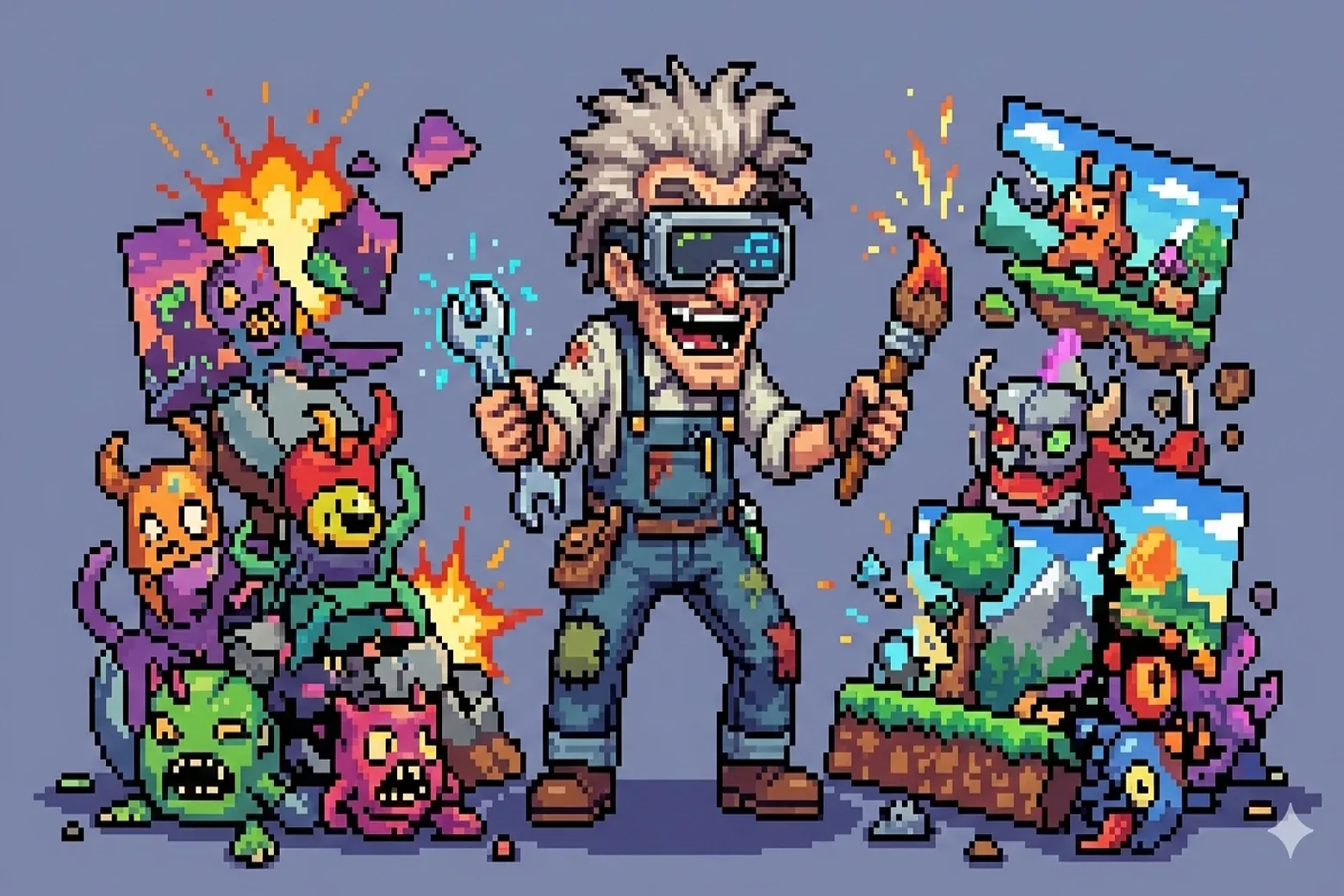
AI image models struggle with pixel art. They produce sprites full of color noise, blurry anti-aliased edges, and subtle gradients that look like pixel art at a glance but break down completely when zoomed in or used in a game engine.
RepairAI Pixel fixes this directly inside Eagle. It applies a pixel-snapping algorithm to detect the underlying pixel grid, quantize all colors to a strict palette, and replace every pixel with its nearest correct color. The result is a clean sprite with uniform color blocks and crisp edges — the kind of result you would produce by drawing it by hand.
How to use it:
1. Select a PNG or JPG in your Eagle library. The plugin loads it automatically.
2. Choose how many colors the output palette should have (8 to 64).
3. Click "Repair pixel art". The algorithm runs in seconds, entirely on your machine.
4. Use the interactive split slider to compare the original and the repaired version side by side. Scroll to zoom in up to 16x and inspect every pixel.
5. Save the result as a new item in your Eagle library, or overwrite the original file directly.
Supported formats: PNG, JPG, WEBP, BMP, GIF.
Works fully offline. No API calls, no subscriptions, no data leaves your machine.
The pixel-snapping algorithm powering this plugin is an open-source port of the work by Hugo Duprez for Sprite Fusion, a free web-based tilemap editor for game developers. If you want to contribute to the algorithm or show your support, please visit the original repository: https://github.com/Hugo-Dz/spritefusion-pixel-snapper
Initial release.
- Repair AI-generated pixel art with one click using a color quantization and pixel-snapping algorithm (open-source port of Hugo Duprez's Sprite Fusion Pixel Snapper).
- Configurable output palette: 8, 16, 24, 32, 48, or 64 colors.
- Interactive before/after comparison with a draggable split slider.
- Zoom up to 16x with the scroll wheel and pan freely by clicking and dragging.
- Dedicated zoom controls: zoom in, zoom out, and fit-to-view buttons.
- Save as a new Eagle library item (keeps the original untouched) or overwrite the original file in place.
- Supports PNG, JPG, WEBP, BMP, and GIF.
- Runs fully offline. No network requests, no external services.